Google Actions Center
Quick answer - Google Actions Center connects eligible booking or reservation flows to Google surfaces. Use it only after your services, availability, public site, and cancellation rules are correct.
Use this guide when - Admins who manage online booking, Google Business Profile, or restaurant reservations.
Before you start - Confirm your business details match Google, your public booking flow works, and your availability is accurate.
Open Google Actions Center
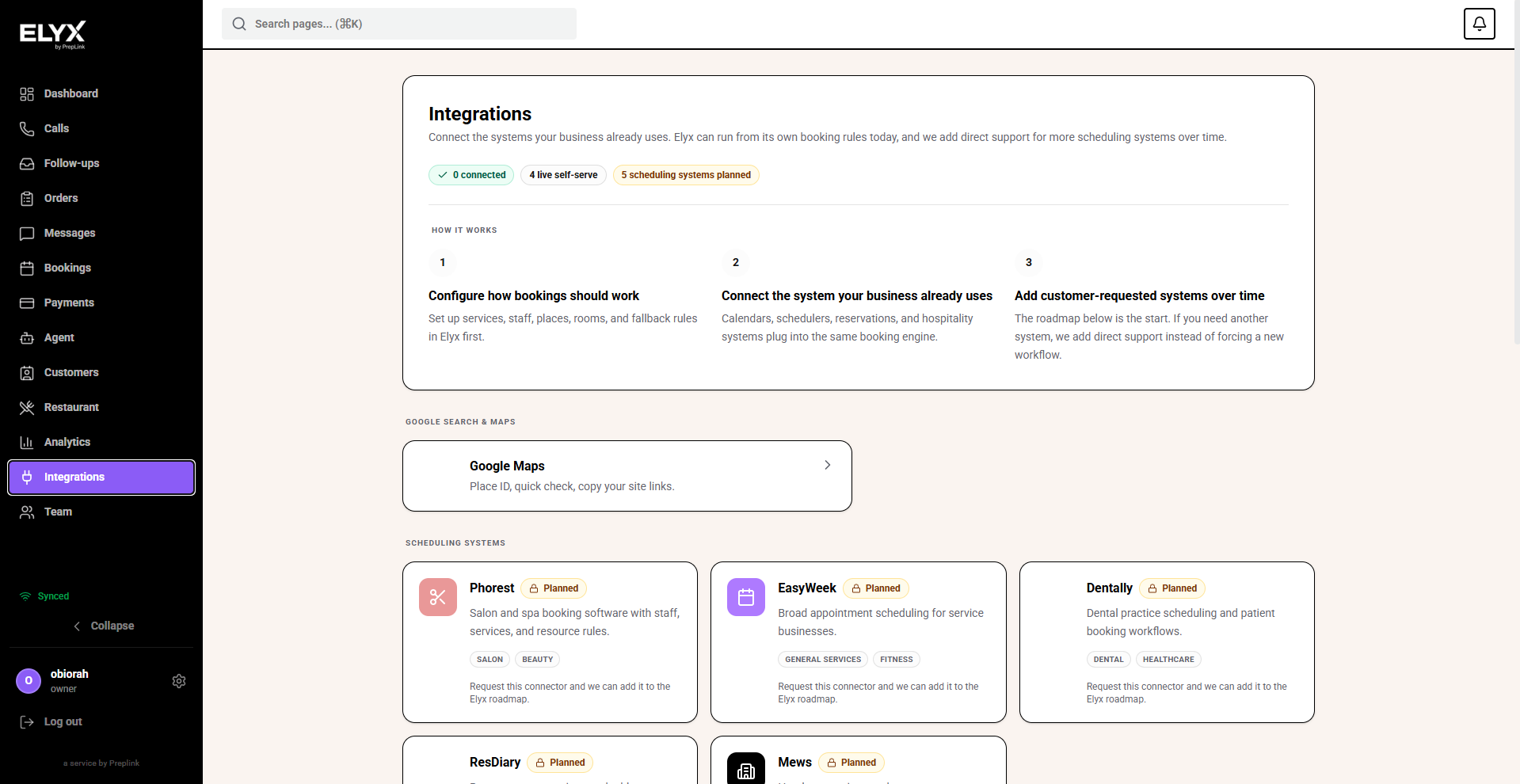
- Open Integrations.
- Choose Google Actions Center.
- Review the connection status.
- Check any eligibility or setup message.
Pre-check before connecting
Before you connect, confirm:
- Business name is correct in Resk.
- Business address matches Google Business Profile.
- Phone number is correct.
- Website is correct.
- Services or reservation types are clear.
- Availability is accurate.
- Cancellation and deposit rules are customer-ready.
- Public booking works in a private browser window.
Do not connect if customers would see unfinished services, wrong times, or test wording.
Connect or request setup
- Open Google Actions Center.
- Choose Connect, Start setup, or the action shown in your account.
- Follow the prompts.
- Confirm the business details.
- Save or submit.
- Wait for status to update.
Google surfaces may not update instantly.
Test after connection
- Open the Google booking or reservation surface when available.
- Start a booking as a customer.
- Confirm service names and times.
- Stop before final confirmation unless you are making a test booking intentionally.
- Check Resk for the booking or reservation if you completed the test.
If Google shows old information
Check both places:
- Resk business profile.
- Resk public booking settings.
- Google Business Profile.
- Google Actions Center status.
Some details can come from Google rather than Resk.
Common mistakes
- Connecting before the public booking page is ready.
- Expecting Google to update instantly after a change.
- Using service names that only staff understand.
- Forgetting that Google may display business details from your Google profile as well as Resk.
Related articles
Last updated: April 2026