Invoices (garage)
Quick answer - Invoices bill the customer for job work or ad-hoc lines. Use drafts while checking details, then send when totals, tax, customer, and vehicle information are correct.
Use this guide when - Advisors and back-office staff are creating or sending garage invoices.
Before you start - The job should be final, and line items and tax should match the approved quote.
Create a fresh invoice
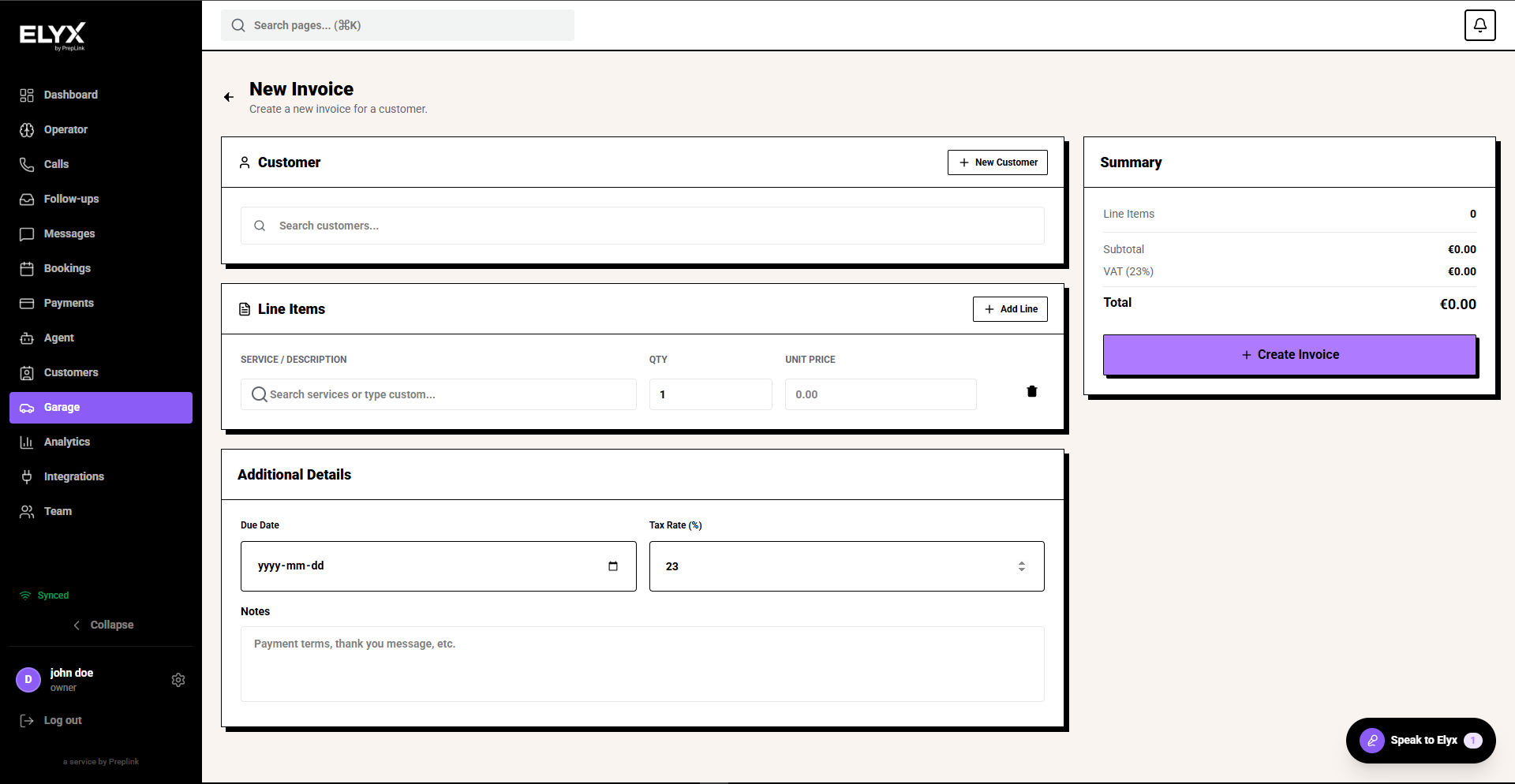
- Open Garage and choose Invoices.
- Choose New invoice.
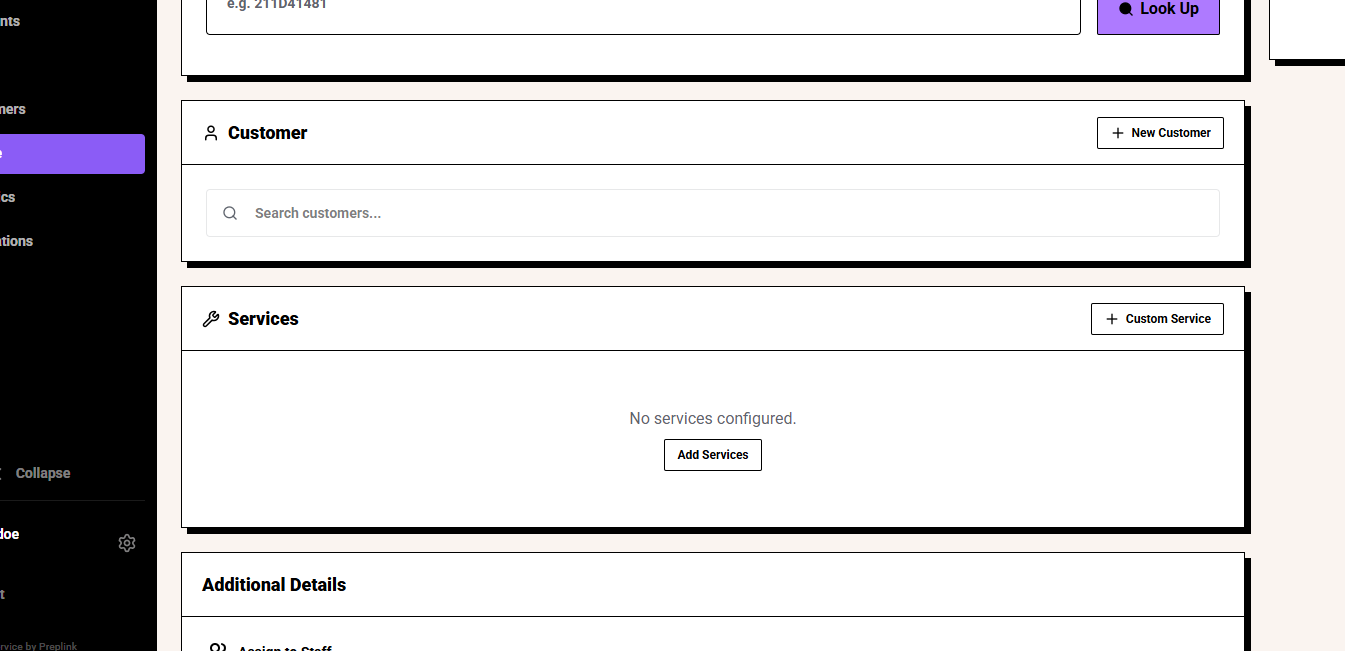
- Search for or create the customer.
- Add the vehicle if the invoice relates to one.
- Add line items with description, quantity, unit price, and tax.
- Set due date and notes.
- Review the summary.
- Save or create the invoice.
Create from a job
- Open the completed or agreed job.
- Choose Create invoice.
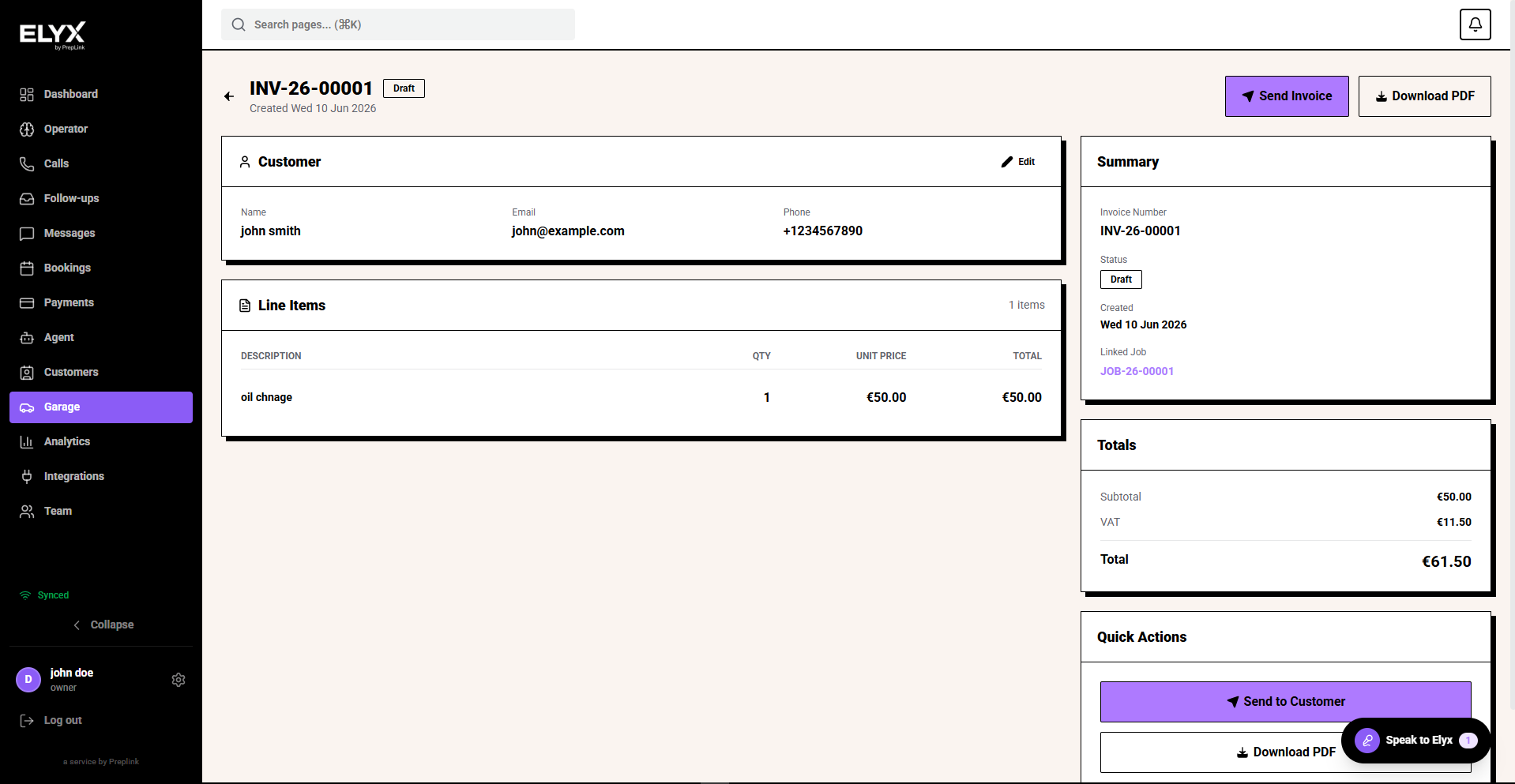
- Check labour, parts, disposal fees, VAT, and totals.
- Save as a draft or send to the customer.
Common mistakes
- Invoicing before goodwill or approval is agreed.
- Putting the wrong vehicle registration on the invoice.
- Ignoring overdue invoices.
Related
Last updated: June 2026