Vehicles
Quick answer - Vehicles stores the cars and vans linked to your customers. Use vehicle lookup first so jobs, history, invoices, and customer updates stay tied to the right registration.
Use this guide when - Service advisors and front-desk staff are checking a vehicle before booking or starting work.
Before you start - Have the registration, customer name, phone number, or email ready.
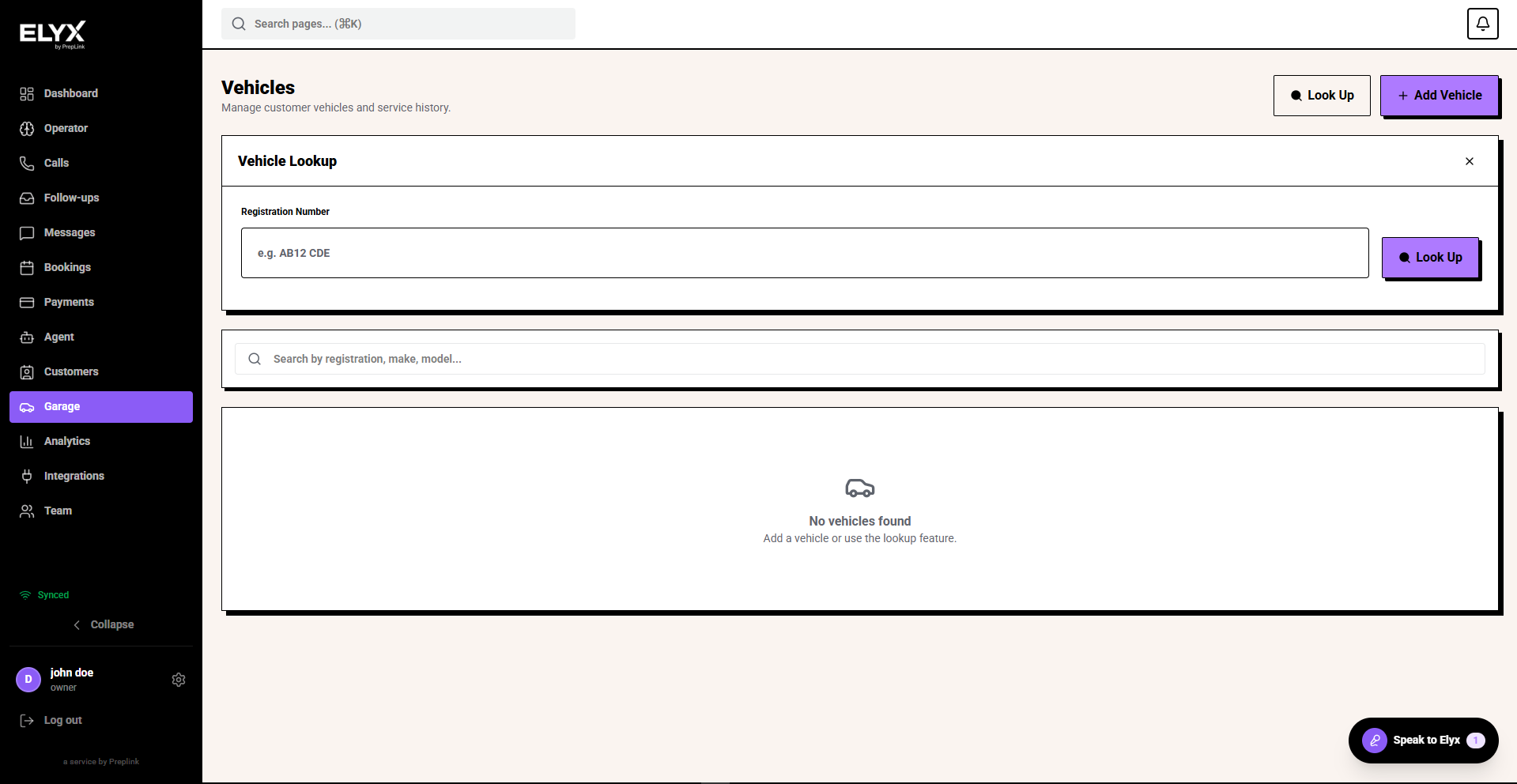
Find a vehicle
- Open Garage.
- Choose Vehicles or Look Up Vehicle.
- Enter the registration, customer name, phone number, or email.
- Choose Look Up.
- Open the matching vehicle before creating a new one.
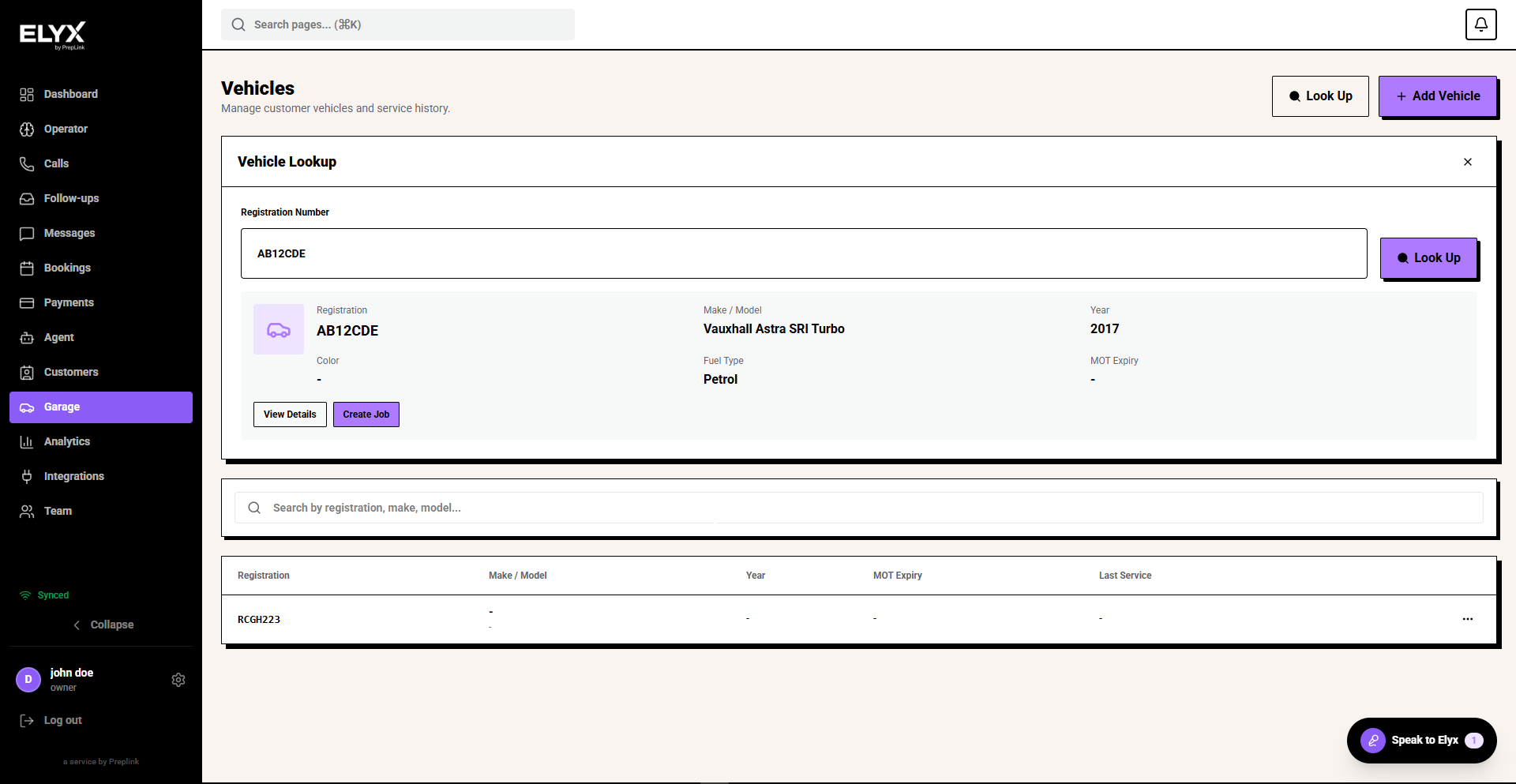
Vehicle profile
Check the registration, make, model, year, mileage, MOT information, notes, owner, and linked jobs. If the customer is calling about recent work, open the linked job instead of creating a new one.
Avoid duplicates
- Search before adding a vehicle.
- Confirm the owner and registration before opening a job.
- Keep registration formatting consistent.
- Merge or flag duplicates if your account supports it.
Related
Last updated: June 2026