Garage dashboard
Quick answer - The garage dashboard is the starting point for vehicles, jobs, services, invoices, and quick actions.
Use this guide when - Service advisors and owners need a quick view of garage work.
Before you start - Add a few services so jobs and invoices can use real line items.
Open the garage dashboard
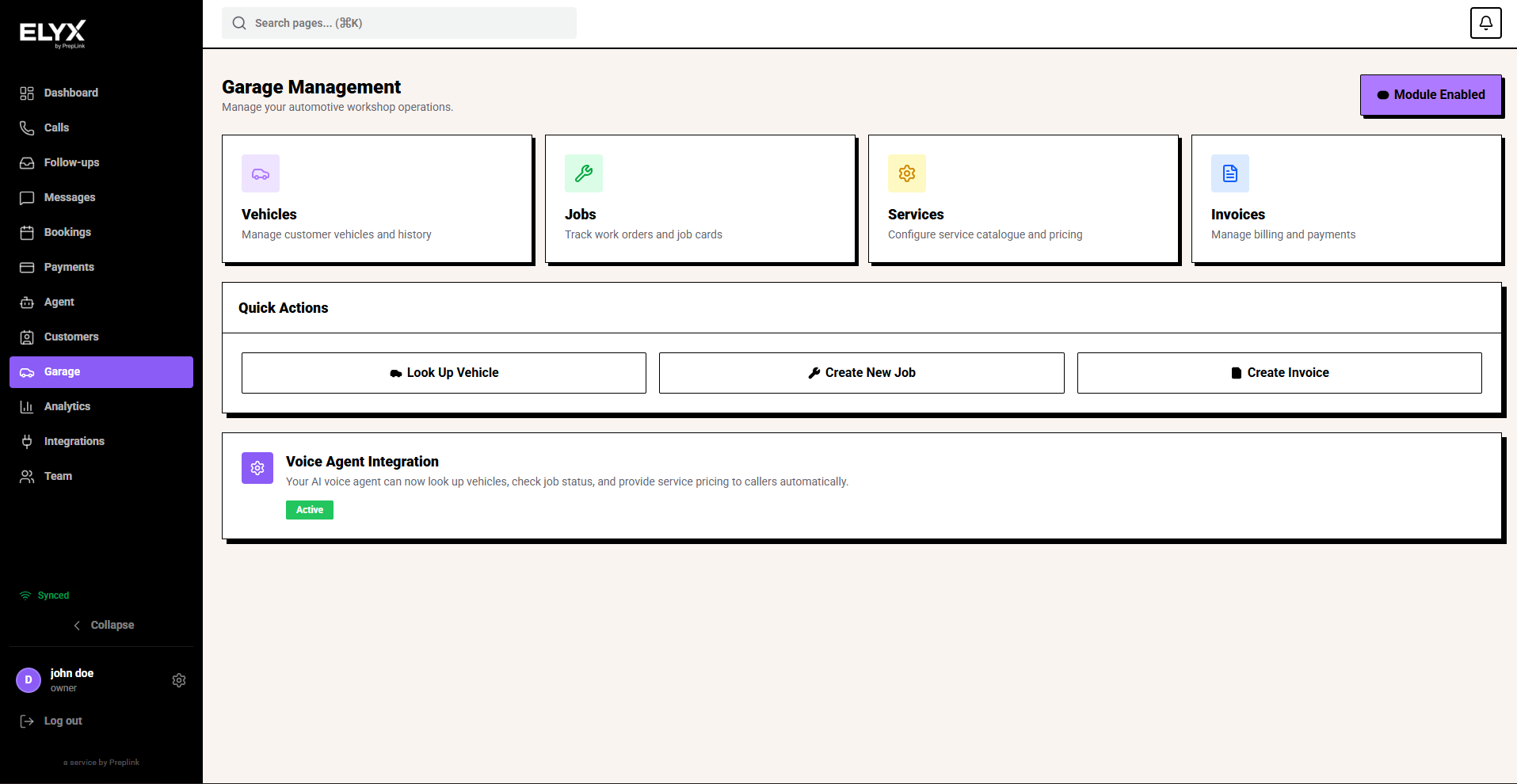
- Choose Garage from the left menu.
- Review the cards for Vehicles, Jobs, Services, and Invoices.
- Use Look Up Vehicle for a registration check.
- Use Create New Job when work needs to be tracked.
- Use Create Invoice when work is ready to bill.
What each card is for
| Card | Use it for |
|---|---|
| Vehicles | Customer vehicles, registration lookup, and service history. |
| Jobs | Work orders, job cards, and status tracking. |
| Services | Service catalogue, labour, packages, and pricing. |
| Invoices | Billing, payment links, and payment status. |
Common mistakes
- Creating an invoice before the job is final.
- Skipping vehicle lookup and creating duplicate vehicle records.
- Leaving services empty, which makes quotes and invoices slower.
Related
Last updated: April 2026