Phone numbers and outbound calls
Quick answer - The phone number area shows the Resk number, forwarding status, and phone setup health. Outbound calls let staff or the AI call a customer back from Resk when that feature is enabled.
Use this guide when - Owners, managers, and staff who manage customer calls.
Before you start - Complete phone number and forwarding. Decide when Resk should call back and when a human should call.
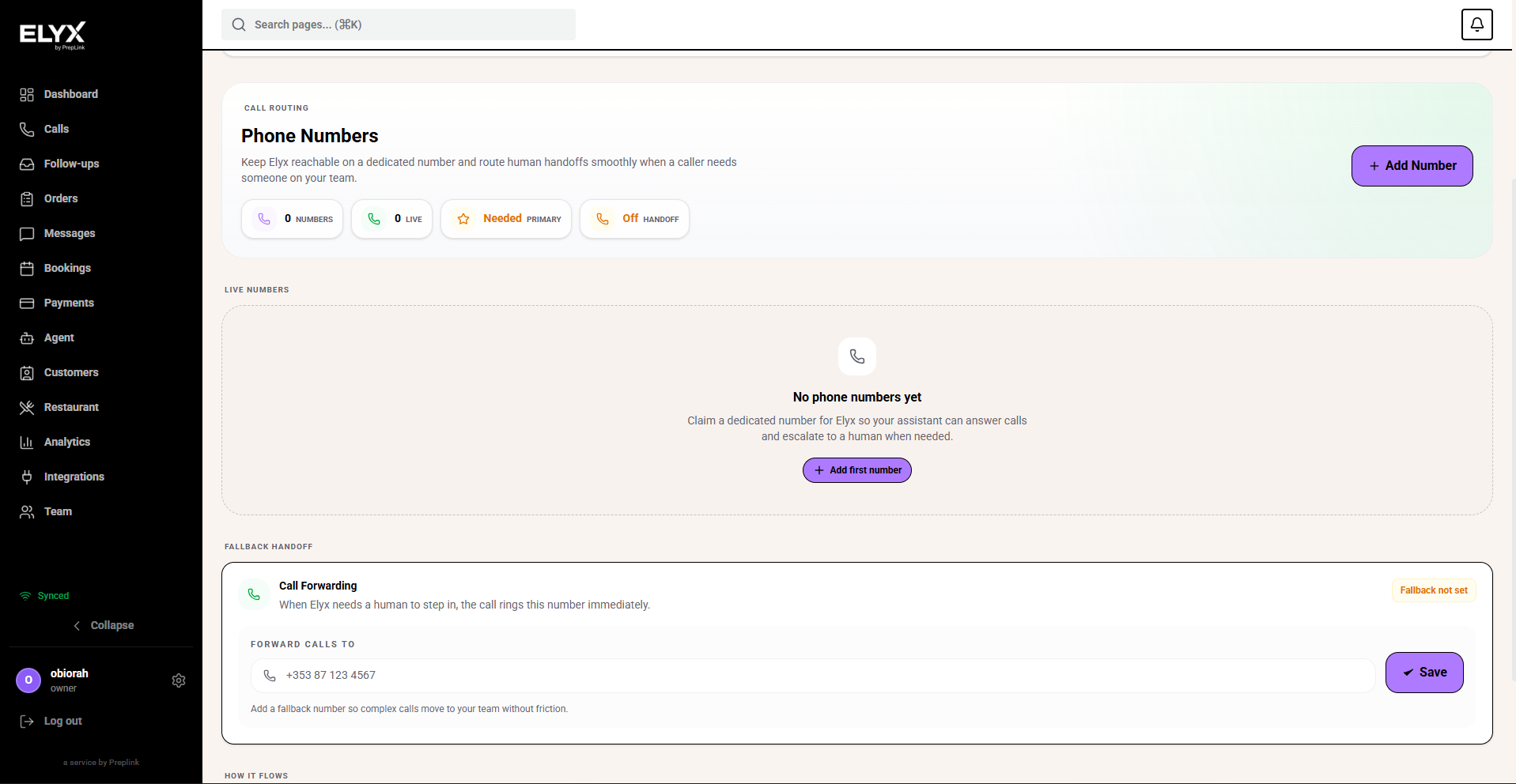
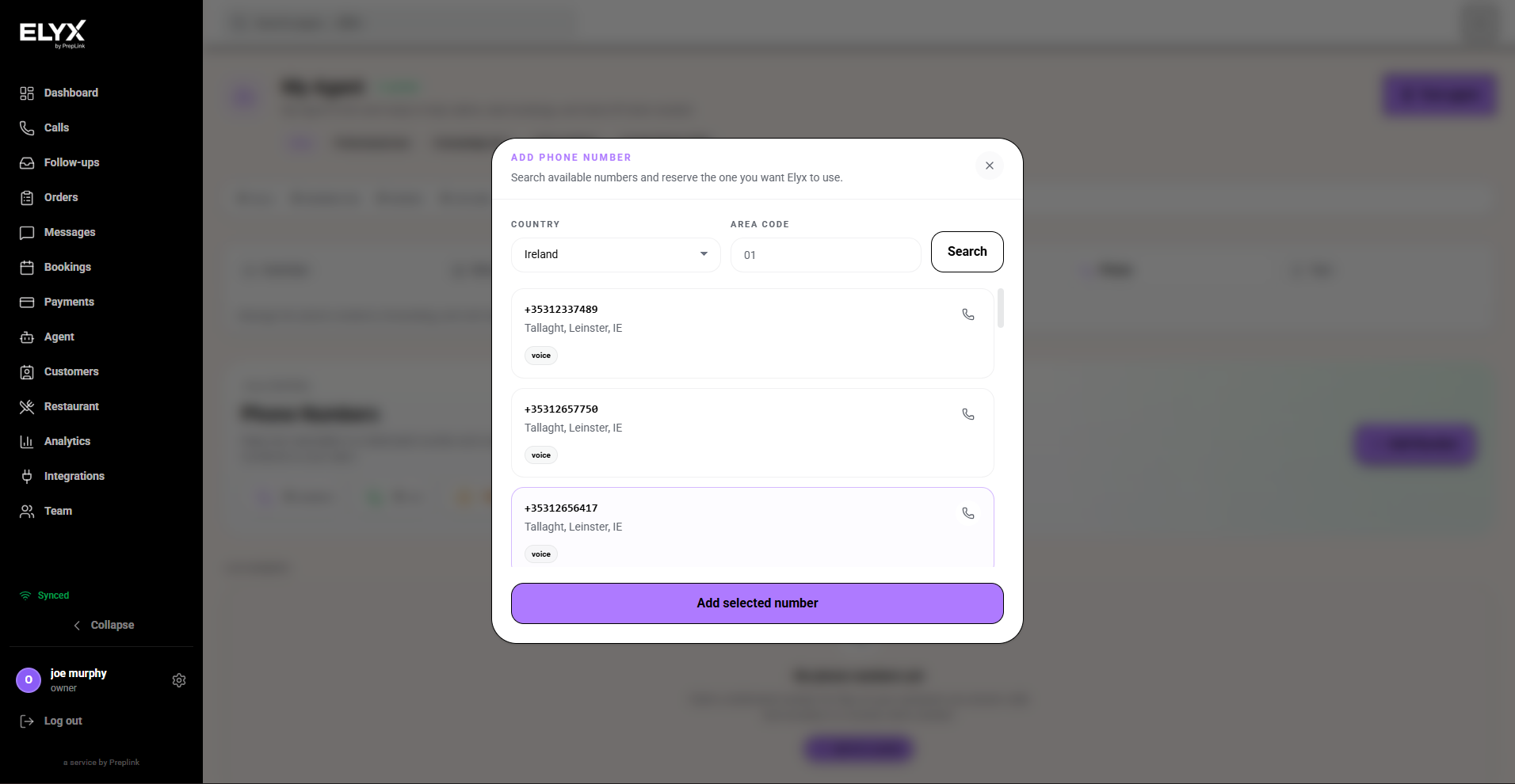
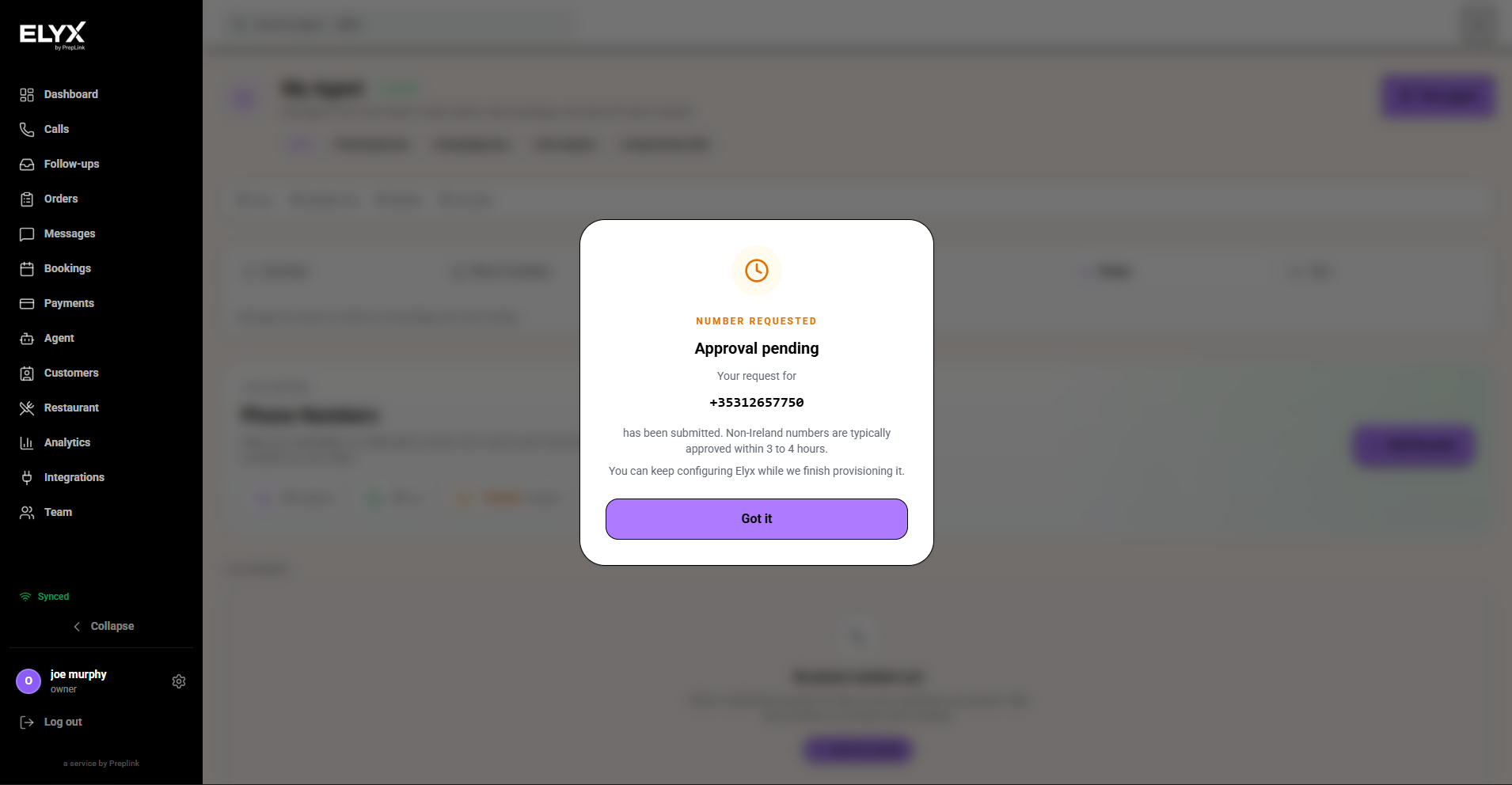
Check phone number setup
- Open Agent.
- Open the Phone or Phone Numbers section.
- Confirm the Resk number belongs to the right business.
- Check setup warnings.
- Place a test call.
- Open Calls and confirm the test appears.
Test forwarding
If you forward your existing business number:
- Call the old business number from a mobile phone.
- Confirm Resk answers.
- Ask a simple question.
- End the call.
- Open Calls.
- Confirm the call arrived in Resk.
If the call does not reach Resk, check forwarding with your phone provider.
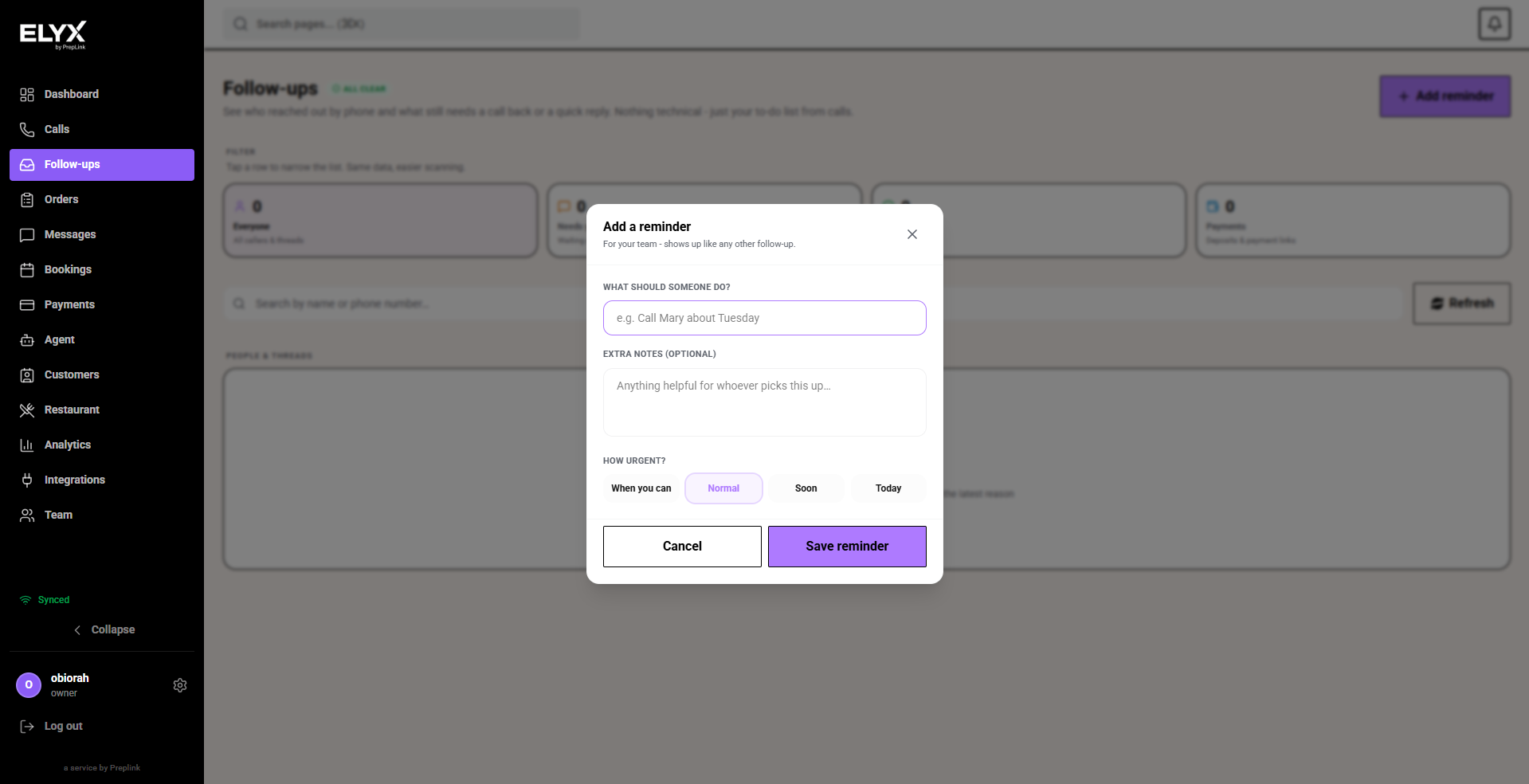
Make an outbound call
- Open the customer, call, or follow-up that needs a callback.
- Choose Call or Outbound call.
- Confirm the destination number.
- Add a short reason or instruction if Resk asks for one.
- Start the call.
- Review the call record after it completes.
- Mark the related follow-up done if the customer issue is resolved.
When to use outbound calls
Use outbound calls when:
- A customer requested a callback.
- A booking, order, job, or invoice needs confirmation.
- Staff want the call logged in Resk.
- The AI has enough context for a simple follow-up.
Use a human instead when the customer is upset, payment-sensitive, legally sensitive, or asking for an exception.
If outbound calling is missing
- Check your role permissions.
- Check whether the feature is enabled for your account.
- Check whether the customer has a valid phone number.
- Ask an owner or Resk support if the button should be available.
Common mistakes
- Calling from a personal phone when the conversation should be logged in Resk.
- Calling an old number from a duplicate customer record.
- Asking the AI to handle a sensitive refund, complaint, or payment exception.
Related articles
Last updated: April 2026