Guests
Quick answer - Guest profiles help restaurants recognise diners, understand visit history, store preferences, record allergies, tag VIPs, and support better service. Keep profiles clean, avoid duplicates, and record only information staff can use responsibly.
Use this guide when - Hosts, GMs, owners, and marketing teams.
Before you start - Staff should collect names and phone numbers consistently from reservations, calls, orders, and waitlist entries.
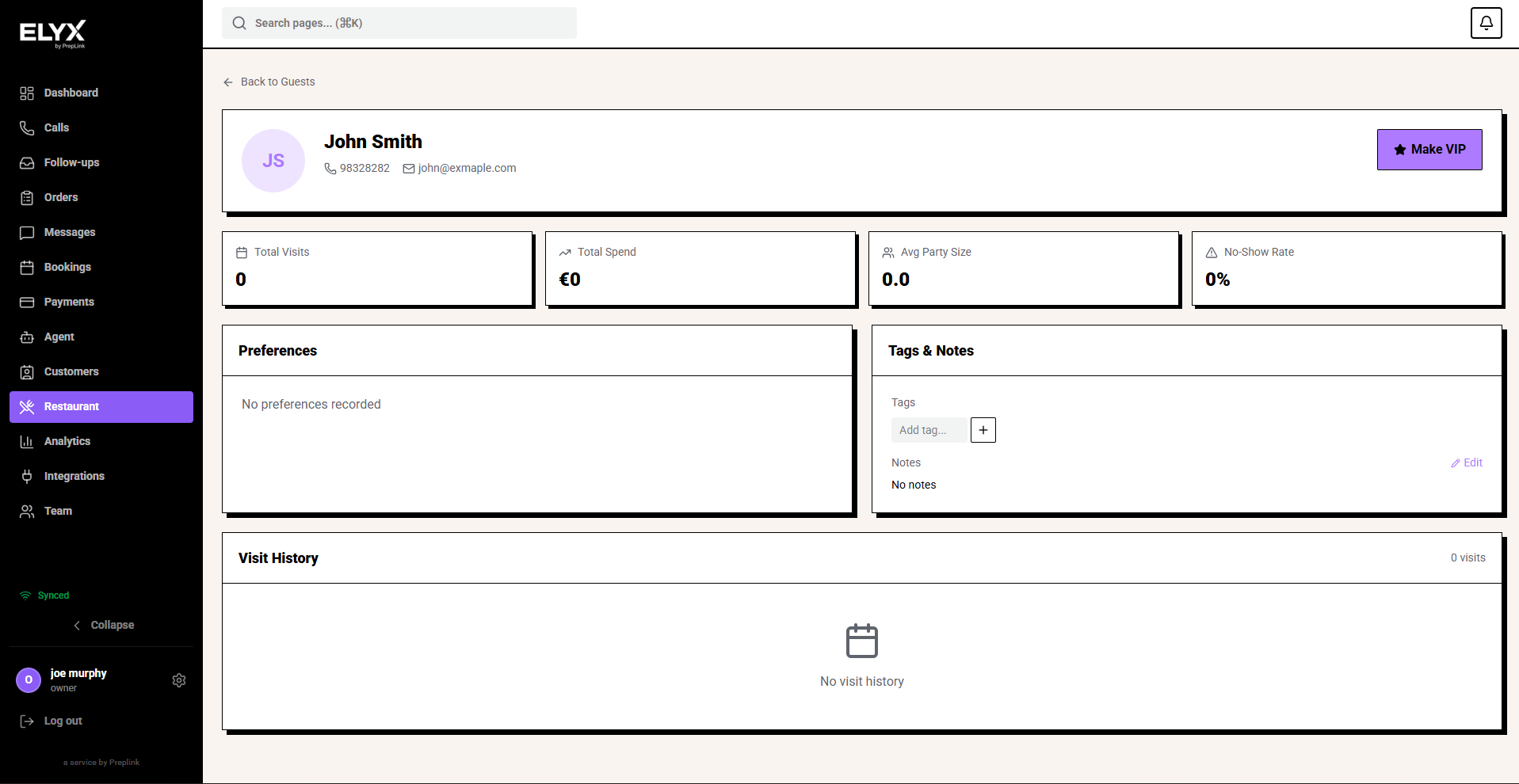
What a guest profile contains
| Area | What it shows |
|---|---|
| Contact details | Name, phone, email, and address where stored. |
| Visit history | Reservations, orders, no-shows, cancellations, and last visit. |
| Spend | Average spend and lifetime spend where available. |
| Preferences | Seating, occasion, favourite items, or service notes. |
| Allergies | Important food safety notes. |
| Tags | VIP, regular, corporate, local, lapsed, or custom labels. |
| Actions | Call, message, email, book, or add notes depending on permissions. |
Search for a guest
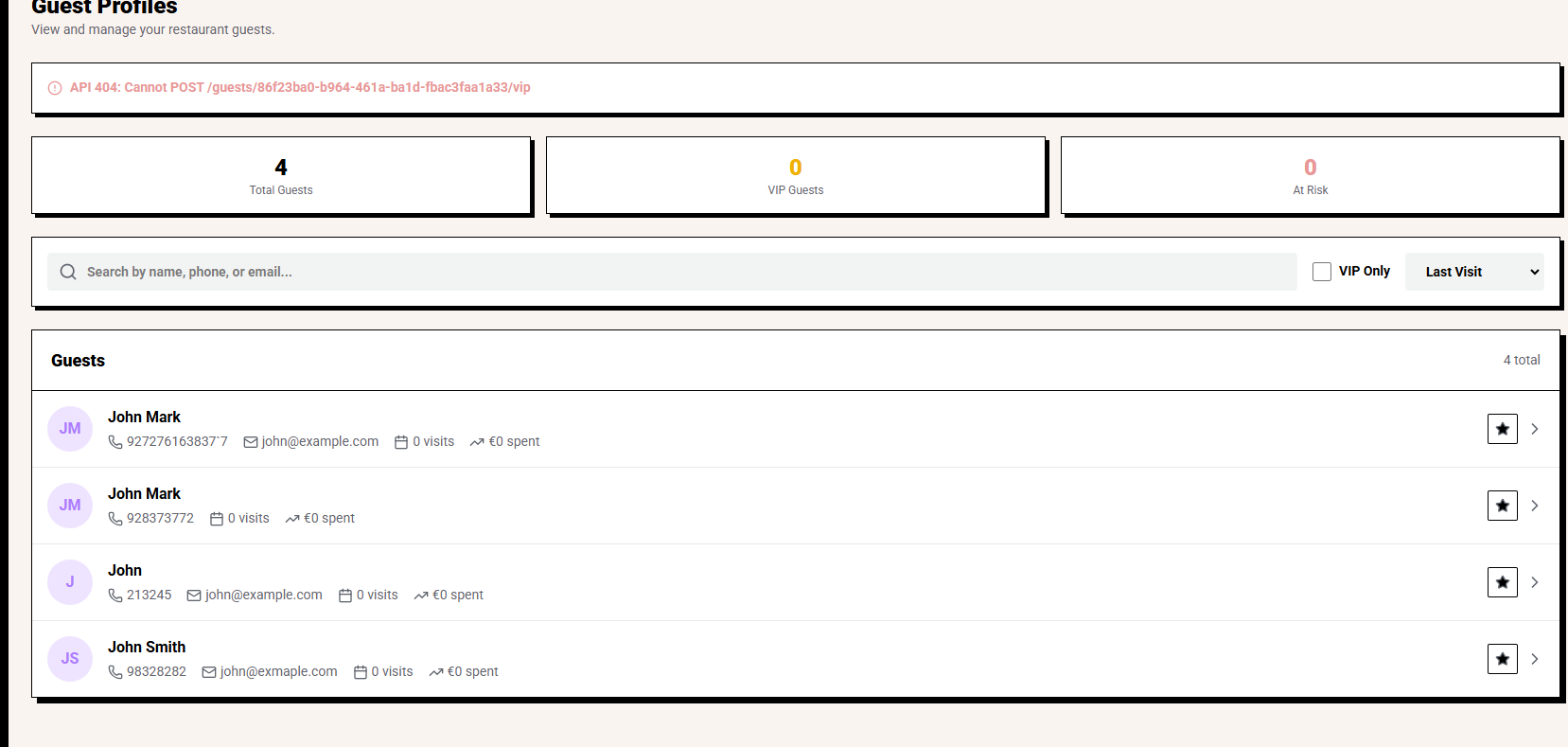
- Open Restaurant.
- Choose Guests.
- Search by name, phone, or email.
- Open the matching profile.
- Check recent activity before creating a duplicate.
Search by phone when possible. Names are easier to mistype than phone numbers.
Add or update a guest
- Open Guests.
- Choose Add guest or open an existing profile.
- Add name, phone, and email.
- Add useful preferences.
- Add allergy notes only when they are specific and confirmed.
- Add tags sparingly.
- Choose Save.
Useful notes tell staff what to do. For example, Prefers booth if available is better than nice customer.
Use VIP carefully
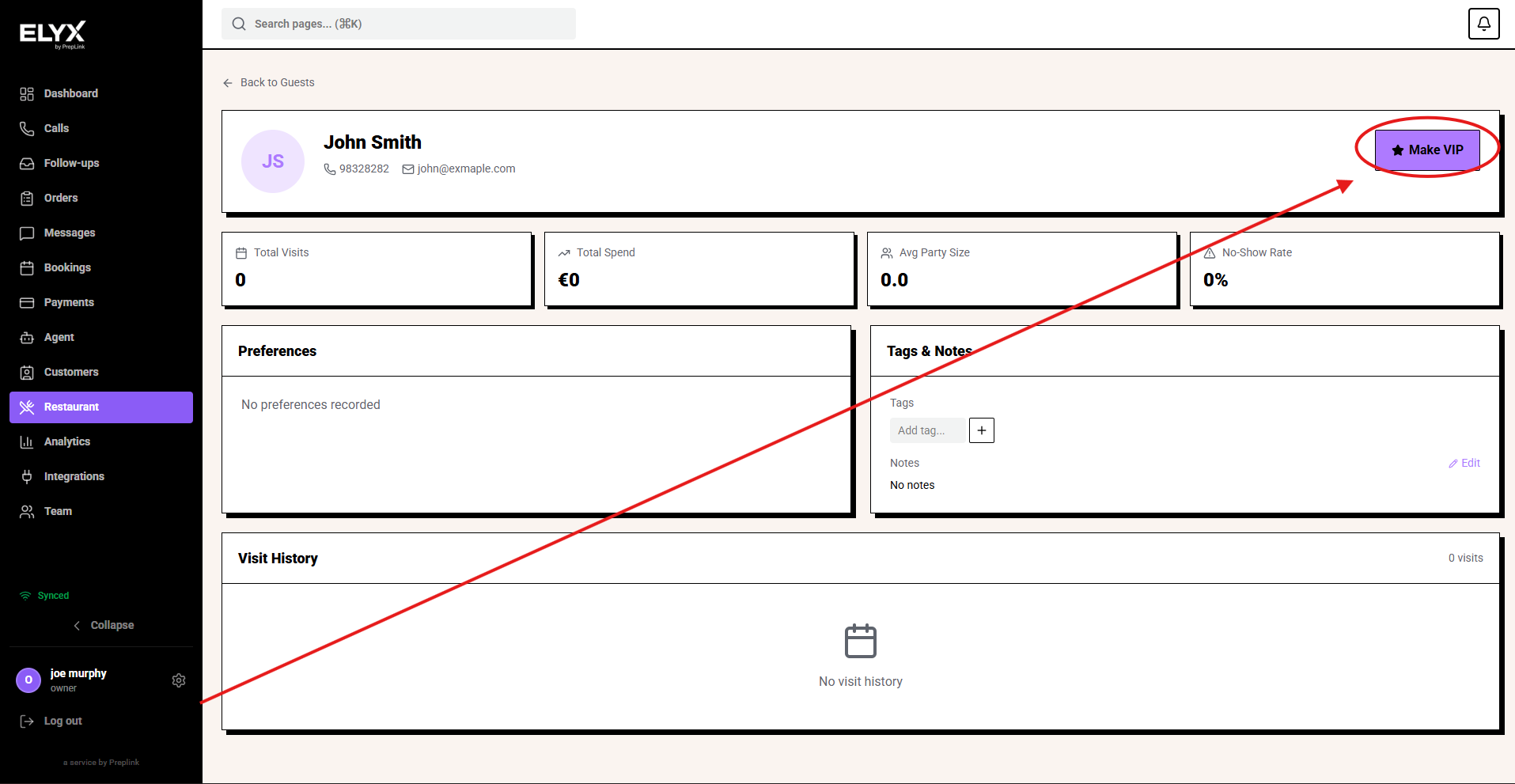
Use VIP when staff should take a different action, such as:
- Priority booking review.
- Manager greeting.
- Preferred table where possible.
- Special occasion awareness.
- Corporate account attention.
Do not tag every regular as VIP. If everyone is VIP, the label stops helping staff.
Record allergies and preferences
Allergy notes are safety information, not casual preferences.
Good examples:
- Peanut allergy. Confirm on arrival.
- Coeliac. Kitchen cannot guarantee zero cross-contamination.
- No shellfish.
Preference examples:
- Prefers quiet table.
- Usually books patio.
- High chair needed.
- Birthday in March.
Confirm allergy notes with the guest when risk is high or the note is old.
Manage duplicate guests
Duplicates usually happen when names or phone numbers are entered differently.
If merge is available:
- Open the duplicate profile.
- Choose Merge.
- Select the correct primary profile.
- Review contact details, notes, tags, and history.
- Confirm the merge.
If merge is not available, choose one profile as the primary and add a note so staff know which one to use.
Use guest data for service
Before service:
- Review today’s reservations.
- Open VIP or high-risk guest profiles.
- Check allergies and important notes.
- Tell the host, server, or manager who needs the context.
After service:
- Add useful notes from the visit.
- Avoid emotional or inappropriate comments.
- Update tags only when they support a future action.
Common mistakes
- Creating a new guest instead of searching first.
- Adding private or judgemental notes.
- Marking too many people VIP.
- Leaving old allergy notes unconfirmed.
- Using tags with no clear purpose.
- Running campaigns before cleaning duplicates.
If something goes wrong - Check Customers, Reservations, and Campaigns.
Related articles - Waitlist, Orders, Restaurant AI and core.
Last updated: April 2026