Services menu
Quick answer - Services menu is your garage price list and service catalogue. Set it up before creating live jobs so staff can add common work quickly and invoice from consistent line items.
Use this guide when - Owners, managers, and service advisors are setting up or changing service items.
Before you start - Decide which services have fixed prices and which ones need a quote after inspection.
What to add
Add common services such as MOT, full service, oil change, diagnostics, brakes, tyres, and inspection packages.
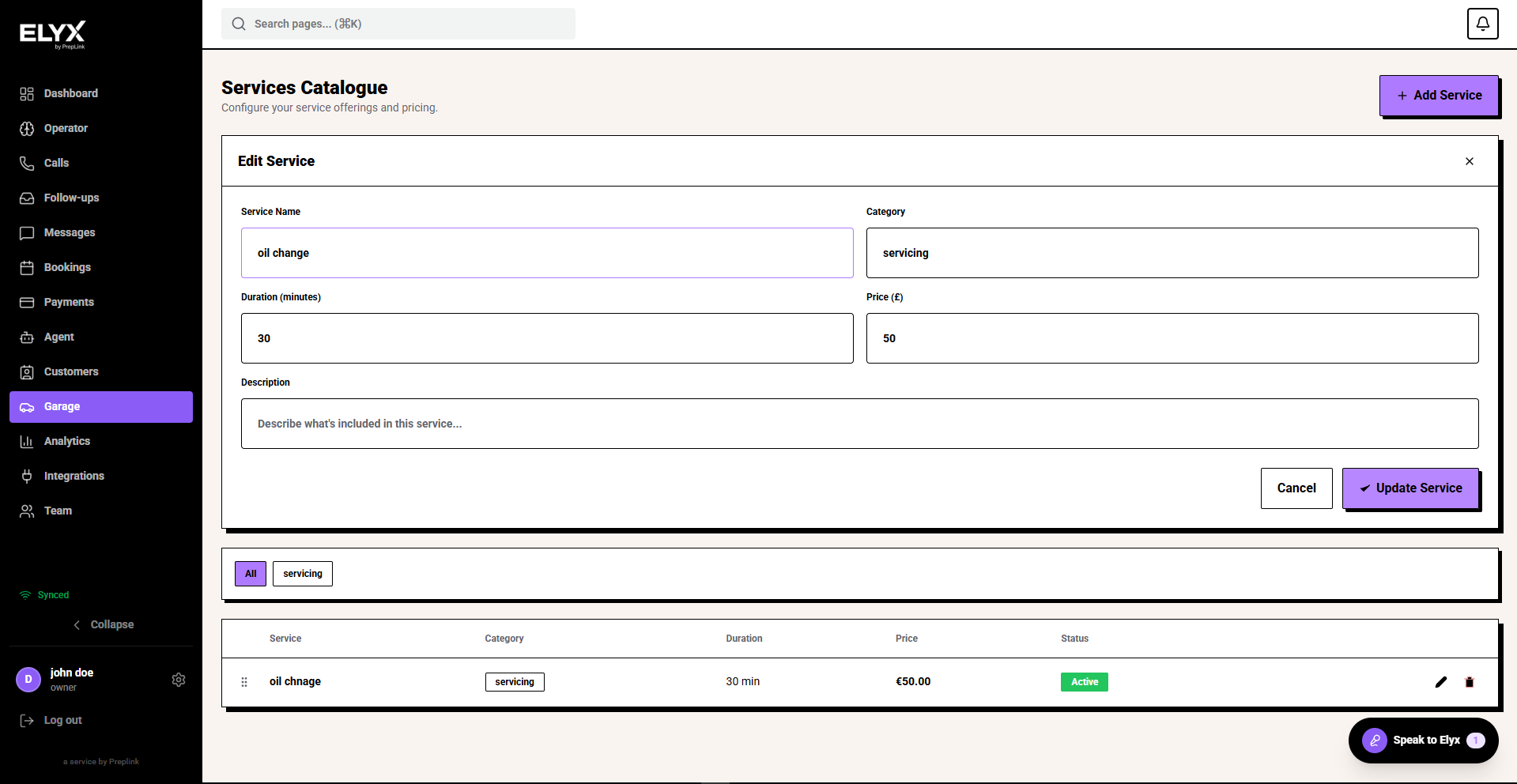
Pricing
- Use fixed prices where the work is predictable.
- Use Quote required for work that depends on inspection, parts, or vehicle condition.
- Add a clear category so staff can find the service quickly.
- Set the service active only when customers and staff should use it.
Keep it current
Update prices, durations, categories, and active status when your workshop process changes.
Related
Last updated: June 2026